RSS Feedings
What's New...
30 Most Recent
dougscrptr
Site Menu
[ Home
[ What's New
[ 443 Scripts...
- ...by category:
- Managing Tracks
- Managing Track Info
- Managing Artwork
- Managing Playlists
- Controlling iTunes
- Exporting Info
- Managing Files
- Networking
- Internet
- iPod
- Miscellaneous
- With Other Apps
- Retro Scripts
- Script List
[ Download FAQ...
[ Forum at iLounge
[ dougscrptr
[ Twitter
[ my del.icio.us
[ Uhm, Windows?
Shareware Apps
- Dupin v1.3.3
- Join Together v5.2.1
- iTunes Library Manager v5.1
Site Info
- Who's Doug?
5 Most Recent Downloads in
Managing Artwork
Links point to a script's entry page...
- Export Artwork Save the display artwork of the selected track to a file
- Save Album Art to Album Folder Export artwork of selected tracks to specified folder
- Embed Artwork Embed artwork into selected tracks' files
- Tracks Without Artwork to Playlist Copy tracks without artwork to a new discrete Playlist
- Find Songs Without Artwork Create a playlist of tracks which don't have art
10 Most Recently Added:
Links point to a script's entry page...
- Art to Desktop v2.0
Set your desktop picture to the artwork of current track (jun 11 '08) - Batch-Delete Playlists v2.0
Delete several playlists at once in either iTunes or iPod (jun 10 '08) - Make A Text List v2.0
Create a text file containing an alphabetical list of chosen tag data (jun 9 '08) - Tracks Without Artwork to Playlist v3.2
Copy tracks without artwork to a new discrete Playlist (jun 7 '08) - Set Video Kind of Selected v3.1
Change the video kind and video related tags of selected videos (jun 6 '08) - Selected Tags to Lyrics v1.0
Copy selected tags as list to Lyrics tag of selected tracks (jun 5 '08) - Track Down Purchases v1.0
Find purchased tracks and copy to discrete playlist according to purchaser (jun 5 '08) - Rip To iPod v2.0
Rips CD tracks straight to iPod (jun 2 '08) - Import iPod Audio Files v2.0
Select iPod tracks in iTunes and add them to iTunes (jun 1 '08) - Lossless to AAC Workflow v2.0
Two scripts assist with importing/managing Lossless files and sending converted AAC copies to iPod (may 30 '08) - the 30 most recent...
30 Most Recent RSS Feed
Your donation allows me keep the site up-to-date, fun, and easy to use. Thanks!
Donations of any convenient size help defray my personal costs in keeping the site going. Making a contribution via Amazon Honor, Kagi, or PayPal is easy, safe, and secure. Future visitors salute you!
Purchase Superb dougscripts.com Shirts & Mugs from CafePress

Purchasing recommended products from Amazon also supports the site!
Top 11 Downloads
Links point to a script's entry page...
[#] = total downloads
- Make Bookmarkable [113194]
- Super Remove Dead Tracks [94195]
- Find Album Artwork with Google [75750]
- Corral iTunes Dupes [63839]
- Import iPod Audio Files [60873]
- CDDB Safari Kit [38537]
- Tracks Without Artwork to Playlist [34749]
- Remove Duplicate Tracks From Playlist [33844]
- Corral All Dupes [28213]
- Remove n Characters From Front or Back [23160]
- Set Video Kind of Selected [22523]
- full list...
Other Sites' Favorites
lifehacker: Top 13 iTunes AppleScripts
Playlist: Top 10 iTunes AppleScripts
Macworld: iTunes' "hidden" features
10 Random Scripts
Links point to a script's entry page...
- Copy Track Info to CD Tracks Update CD Track info with corresponding user-edited track info
(Managing Track Info) - iTunes Overlay Persistent text window displays info about current track over the desktop
(Miscellaneous) - One Song From Each Artist In Playlist Copies one song from each Artist in a selected Playlist to a new user-named Playlist
(Managing Playlists) - Current to Clipboard Send current song info to clipboard
(Exporting Info) - Play Selected Track Next Selected track plays after current track ends
(Controlling iTunes) - Append to Artists Names Append user-entered text to beginning of each selected tracks' artist tag
(Managing Track Info) - CD Text to CD Info Import CD Text data to selected CD's disc and track tags
(Managing Track Info) - Downstream Remove streams from main library to selected playlist
(Managing Tracks) - Make Video PDF Booklet Create a PDF booklet containing video-oriented info from the selected tracks
(Exporting Info) - Whatever to WAV Droplet converts any iTunes compatible audio file to WAV
(Managing Files)
Managing Artwork 1 2
Hey! Because a script entry's location can change over time, the URL in the address bar of your browser should not be copied or bookmarked. To accurately bookmark or copy the URL of an entry, control-click or right-click on its title or permalink for this entry button and select an option from the pop-up.
Art to Desktop v2.0
This Stay-Open applet will continuously update your desktop picture to the album artwork of the currently playing track.
- Latest version:
- Runs as universal binary
- Various fixes and enhancements to modernize since last update
- Info:
- build type: Universal Binary
- written by Doug Adams
- latest version posted: June 11, 2008
- latest version downloads: 325 | total downloads: 2833
- zip download size: 184.2K
Tracks Without Artwork to Playlist v3.2 
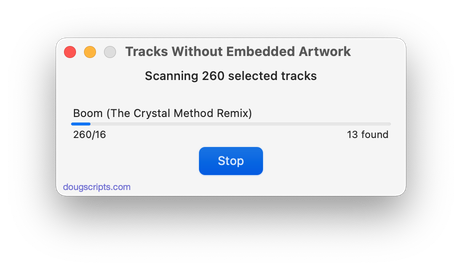
This script will survey the selected tracks or the selected Playlist for tracks without any artwork and copy them to a new discrete Playlist. Requires iTunes 7 or better.
- Latest version:
- Addresses situation where artwork downloaded from the iTunes Store (using "Get Album Artwork") may result in false positives
- v3.1:
- Speedier playlist creation
- Performance finessings
- v3.0 (may 13 2008):
- Runs as universal binary
- User can supply the "No Art" playlist name
- Performance fixes and finessings
- Info:
- build type: Universal Binary
- written by Doug Adams
- latest version posted: June 7, 2008
- latest version downloads: 1556 | total downloads: 34749
- zip download size: 99.4K
Export Artwork v1.0
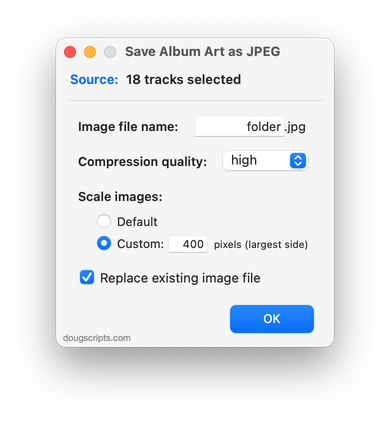
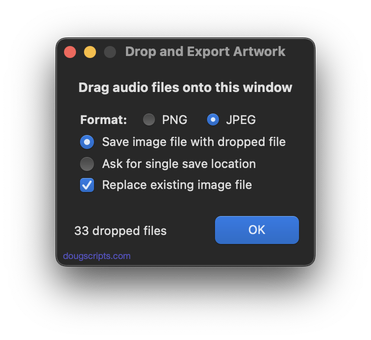
Save the artwork of the single selected track to a user-chosen folder as a PNG or JPG file, with scaling options. Default location is the folder containing the selected track's file, however any location can be selected.
This script replaces the script "Save Artwork to Folder", which has been removed.
- Info:
- build type: Universal Binary
- written by Doug Adams
- posted: May 22, 2008
- total downloads: 494
- zip download size: 102.6K
Embed Artwork v1.1 
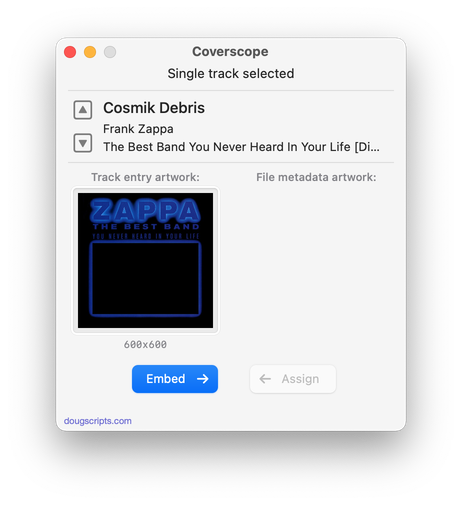
This script will re-embed artwork into the files of the selected tracks. (iTunes 7 or better.)
- Info:
- build type: Plain AppleScript
- written by Brian Webster
- latest version posted: September 25, 2006
- total downloads: 20459
- zip download size: 103.6K
Save Album Art to Album Folder v1.3 
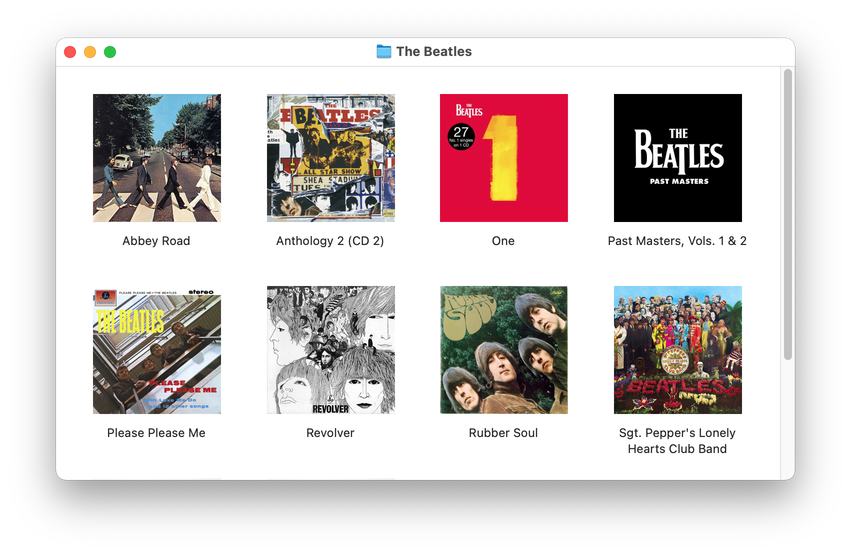
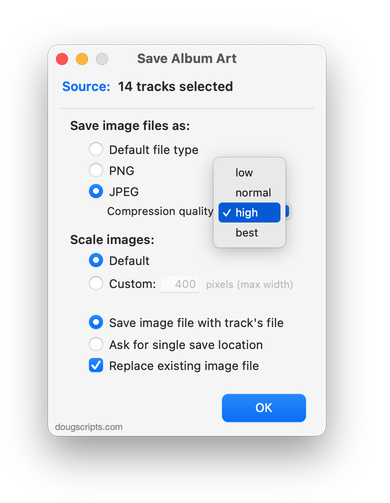
This script will export the Artwork of the selected tracks as a graphics file to the folder which contains each selected track's file--presumably the track's "Album" folder--or a specific user-selected folder. Uses the included "ProgBar" application to indicate progress. Read Me explains much more, including modifications you can easily make.
- Info:
- build type: Plain AppleScript
- written by Doug Adams
- latest version posted: September 19, 2006
- latest version downloads: 7392 | total downloads: 10321
- zip download size: 194.3K
Export Artwork to iPhoto v1.3
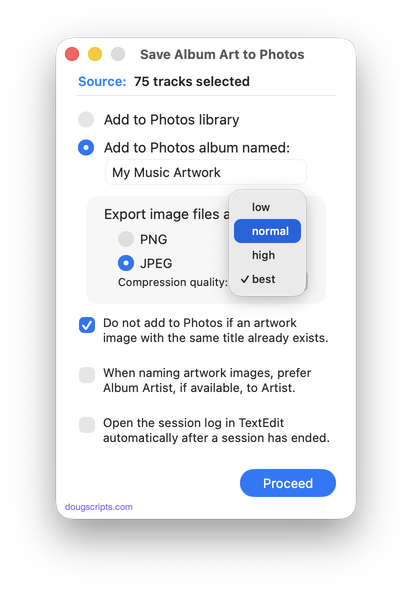
Export the artwork of the selected tracks--or tracks of the selected Playlist--to iPhoto 5 or better, where they will also be copied to a new or existing photo album. Requires Mac OS X 10.3 or better, iPhoto 5 or better, and iTunes 4.0 or better.
Publish your artwork photo album on your .mac page, like I did in this example.
Includes the accessory application "ProgBar" which will display the progress of the exporting process. "ProgBar" is written by T.J. Mahaffey of Spork Software.
- Info:
- build type: Plain AppleScript
- written by Doug Adams
- latest version posted: April 7, 2006
- latest version downloads: 2655 | total downloads: 4802
- zip download size: 236.8K
Search for Local Artwork Files v1.0
This script will perform a Spotlight search for PNG and JPEG files whose names contain the Artist and/or Album of a selected iTunes track. You can then choose to show the results in the Finder.
- Info:
- build type: Plain AppleScript
- written by Doug Adams
- posted: January 19, 2006
- total downloads: 3157
- zip download size: 207.3K
Remove All iPod Artwork
This script will delete all the artwork from every track in the selected iPod, thus freeing up some space.
Although you could easily select every track in the iPod library, select Get Info, OK a multiple edit, and check-mark the empty artwork panel, the process of removing artwork in this manner would tie-up iTunes and iPod until the artwork has been removed. This script will work in the background and allow you to continue using iTunes.
- Info:
- build type: Plain AppleScript
- written by Doug Adams
- posted: December 29, 2005
- total downloads: 2478
- zip download size: 62.7K
Restore iPod Album Art v1.1
This script will attempt to re-add or replace the display artwork of the selected iPod tracks with artwork from a corresponding album's track in your iTunes library. Read Me is a must read.
- Info:
- build type: Plain AppleScript
- written by Doug Adams
- latest version posted: December 29, 2005
- latest version downloads: 2903 | total downloads: 4261
- zip download size: 128.8K
Set No Cover
This script will apply a [no cover] graphic as the artwork to the selected iTunes tracks.
Also included is a droplet that will enable you to convert your own artwork as the default artwork used by the script.
- Info:
- build type: Plain AppleScript
- written by Doug Adams
- posted: November 29, 2005
- total downloads: 2770
- zip download size: 71.5K