 30 Most Recent RSS Feed
 Apple Music Profile
 YouTube Channel
 RSS Feed
 Play Play
 Murph
Murph Yer Stack
 Block Party Weekend
 Elevendy
 Dupin v4.0.0
 Join Together
 M3Unify
Popular Now
downloaded 14m 8s ago
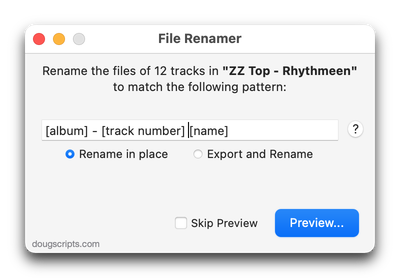
For Music Use tag data to formulate new file name for selected tracks' files
downloaded 14m 18s ago
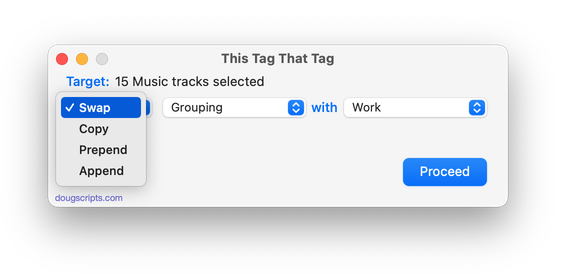
For Music Applet assists with swapping, copying, appending data between track tags
downloaded 14m 21s ago
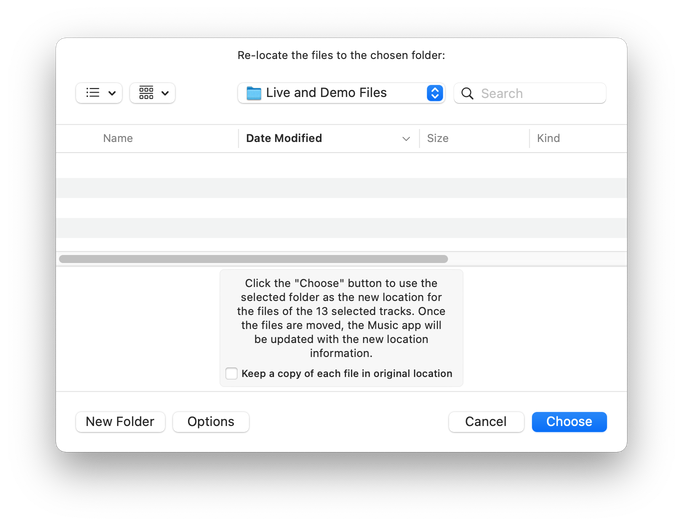
For Music Re-locate files of selected tracks to new folder, preserve track meta-data
downloaded 14m 45s ago
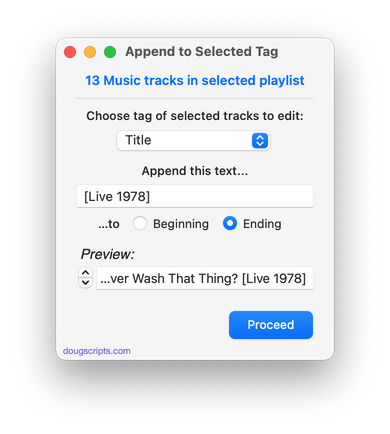
For Music Append user-entered text to beginning or ending of selected tag of each selected track
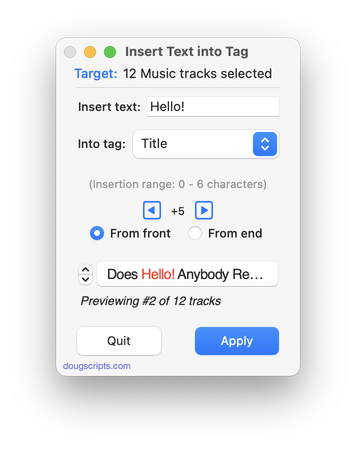
downloaded 14m 45s ago
For Music Insert same text at same position in chosen tag of selected tracks
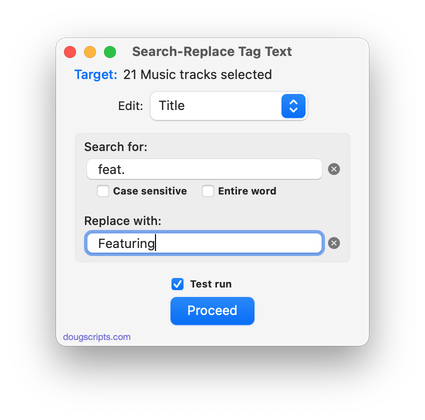
downloaded 14m 54s ago
For Music Perform search-and-replace on text in your choice of tags
Welcome!
Download hundreds of AppleScripts for Apple's Media Apps that will help make managing your digital music and video collection easier and more fun!
What's AppleScript?
AppleScript is a simple Macintosh-only programming language that can control and automate actions on your Mac. AppleScript is already available on your computer as part of the macOS and many popular applications can be automated using AppleScript scripts. Scripts written for Apple's Music, TV and iTunes apps can manage files and track information, create playlists, interact with other applications, perform innovative tasks, and handle many kinds of chores with accuracy and precision which otherwise would be repetitive, laborious, and/or time-consuming.
And, perhaps most conveniently, AppleScripts can be launched from the Music app's Script menu and can even be assigned Keyboard Shortcuts.
Cool! Where Do I Start?
Start browsing the site by using the scripts ↓ Menu link above. AppleScripts are gathered into these general Categories:
Or use the search box at the top of every page to try and find something specific.
Not sure how to install AppleScripts? Here's a Download/Installation FAQ.
Check back often or subscribe to my RSS blog feed and Most Recent Scripts RSS feed to stay notified about new and updated scripts and info.
Latest:
Subscribe to the RSS feed. Looks best in NetNewsWire.
UPDATED: Track Down Purchases v6.0
This applet can examine the Music library and sort tracks purchased from the iTunes Store into discrete playlists by either the purchaser’s name or Apple ID (eg: “Purchased by Jane Smith” or “Purchased by janesmith@email.com”) which in turn will be placed in a “Purchaser Playlists” playlist folder.
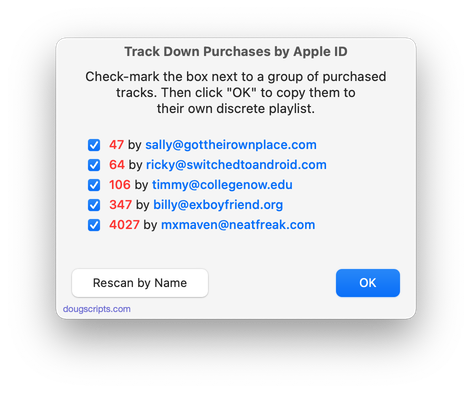
Latest version:
- UI and layout updates for macOS 26 and later
- Unified processes in a single window
- Icon and docs update
More information for Track Down Purchases v6.0 and download link is here.
Exploding Music Libraries
From 2001, a Correspondent writes: “Dear Doug. Maybe you can help me. I have a large library (2000 tracks) and…”
From 2006, another Correspondent writes: “Doug, my large library (6000 tracks) has started to…”
From 2010, some other Correspondent writes: “Doug. Huge library (20,000 tracks). What can I…”
From 2016, Correspondent reports: “My ginormous library (75,000 tracks) just went…”
From 2022, the guy from 2001 writes: “Doug, my library has exploded over the years to 150,000 tracks and…
Maybe you see how this has been going.
(more…)
UPDATED: No Lyrics to Playlist v3.3
This applet will scan the Music library or a selected playlist for tracks whose “Custom Lyrics” tags are blank and copy them to a new discrete playlist. Can also toggle to search only for tracks with lyrics.
(Please Note: The script can only discover tracks with “Custom Lyrics” provided by the user. There is no accounting for lyrics made available via Apple Music or Cloud/Sync Library. That data is inaccessible.)
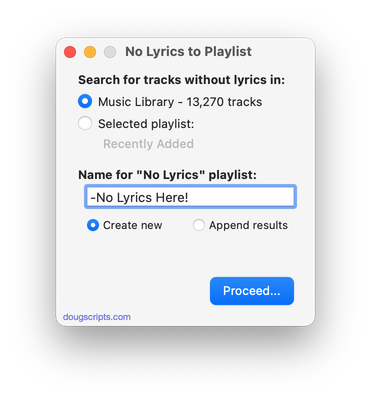
Latest version:
- UI and layout updates for macOS 26 and later
- Improved selection logic
- Adds Command-. to cancel
- Maintenance
- Icon and docs update
More information for No Lyrics to Playlist v3.3 and download link is here.
UPDATED: Display File Path v3.4
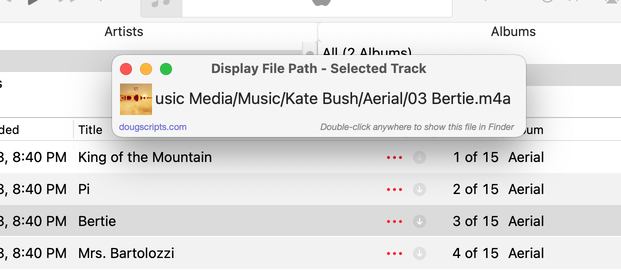
This script will float alongside the Music app and continuously monitor it for a single track to be selected and display that track’s file path (if it exists); or the script can be set to likewise display the file path of each playing track. Includes Show File in Finder and Copy Text to Clipboard and appearance options.
Latest version:
- UI and layout updates for macOS 26 and later
- Adds Settings for font size and hide, show and dim “Media” folder portion of the file path
- Icon and docs update
More information for Display File Path v3.4 and download link is here.
UPDATED: Media Folder Files Not Added v3.0
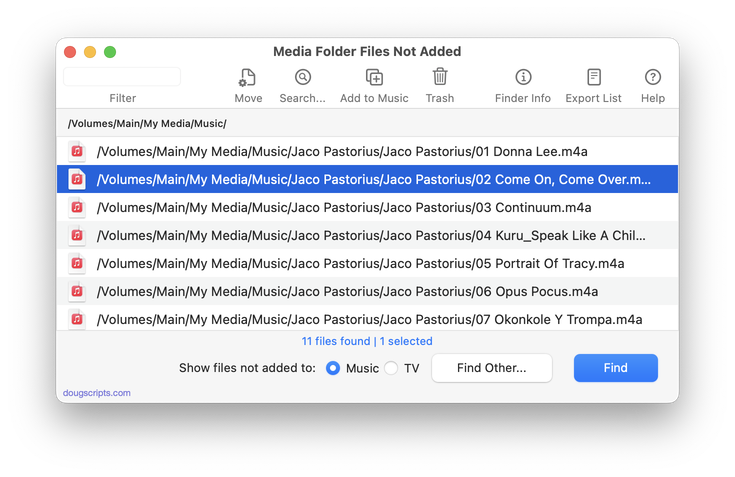
This application will list the file paths of the media files in your designated “Media” folder which are not associated with any tracks in the Music or TV app’s track library. Additionally, a different parent folder can be user-selected and its contents will be compared to the current library. Includes options to Filter within results, Move a selection of found files to a user-chosen folder, Search for related tracks in Music app, Add (or drag-and-drop) a selection of found files to Music o, move them to the Trash and Export a text file listing the file paths.
Also see Super Remove Dead Tracks and List MIAs.
Latest version:
- UI and layout updates for macOS 26 and later
- Removes support for TV app
- Fixes table layout issue
- Fixes minor issue with NAS locations
More information for Media Folder Files Not Added v3.0 and download link is here.
UPDATED: Find Empty Media Folders v4.0
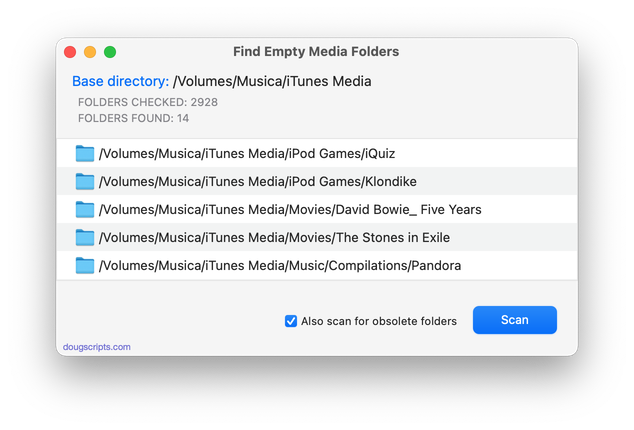
This applet will traverse the Media folder looking for and displaying any sub-folders that are either empty or that only contain unplayable items, such as text or image files.
Also see Media Folder Files Not Added.
Latest version:
- UI and layout updates for macOS 26 and later
- Removes support for TV app
- Maintenance
More information for Find Empty Media Folders v4.0 and download link is here.
UPDATED: Merge-Delete Playlists v7.6
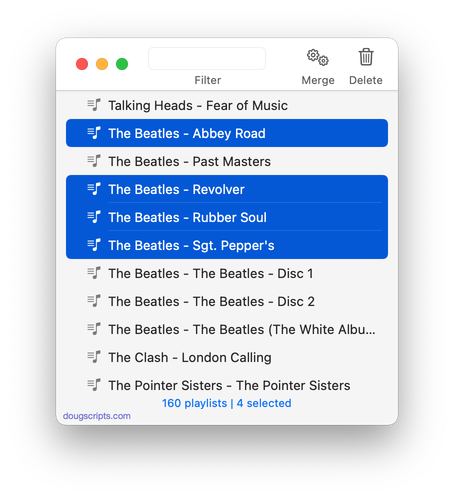
This applet will allow you to merge the track contents of two or more playlists to a new or existing playlist or delete any number of playlists at once, including Smart, Genius, and Playlist Folder playlists. The merge feature will prevent the same tracks that may appear in different source playlists from being duplicated and has an option to delete original playlists. The delete feature only deletes playlists; tracks, of course, remain in the library.
Latest version:
- UI and layout updates for macOS 26 and later
- Maintenance
- Icon and docs update
More information for Merge-Delete Playlists v7.6 and download link is here.
UPDATED: File Renamer v5.4
This applet will rename the files of the selected tracks (or the files of the tracks in the selected playlist) using a substitution pattern that you formulate from the tracks’ tag data. Optionally, export a copy of the files to a chosen location and rename the files in that location.
Works optimally for “in place” option with Music app’s “Keep Media folder organized” un-checked.
Latest version:
- UI and layout adjustments
- Larger pattern entry field
- Zero-pads all single-digit track and disc numbers and counts
- Better validation of pattern
- Fixed further regression issues
- Maintenance
More information for File Renamer v5.4 and download link is here.
CDs are Rippin’ Along
A report from Luminate in July that I mentioned at the time (via the Verge), noted a surge in CD sales this year. And now the Verge is reporting the Recording Industry Association of America (RIAA) has also noticed: “A new report from the organization says 17.5 million CDs were sold in the first six months of the year, up from just 12 million during the same period in 2025. That’s a jump of 45.7 percent, and 58.6 percent in dollars, which reached $171.1 million.”
They point out that this doesn’t mean streaming is trending down. But why should it? When I was a teenager, I had the radio, a turntable, a casette deck and a portable player or two, and later a CD player. I didn’t give one up for another. They each served a different listening purpose. These days I stream Apple Music, listen to files I ripped as long as twenty-five years ago and still rip CDs. Still use a turntable every now and then, too.
Great to see CDs hanging in there.
NEW: Selected Tags to Lyrics v2.0
iPhone and iPad can display the lyrics tag full screen, which can allow for more tag information to be visible. This applet will copy the contents of selected tags in the Music app to the lyrics tag of each selected track as “Custom Lyrics”. Each tag will be labeled and listed vertically. The order of tag placement can be arranged by dragging the listed tag rows. Unneeded tags can be ignored. Then it’s just a matter of re-sync’ing the tracks to the device.
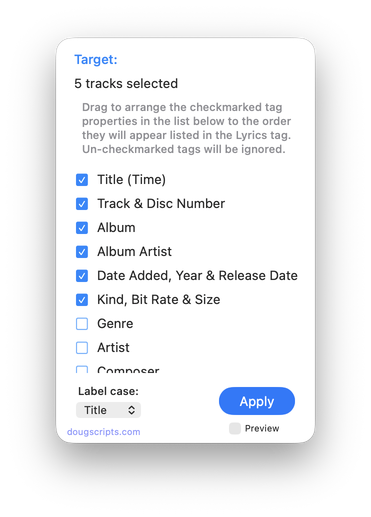
Latest version:
- Initial re-release for the Music app
More information for Selected Tags to Lyrics v2.0 and download link is here.
